
Taking your first step as a solopreneur is exciting yet a bit overwhelming. It still gets overwhelming, even as long as I have been a solopreneur. But the digital tools at your disposal make it easier to deal with. After spending decades in the corporate world, I’ve come to rely on these tools to make my life so much simpler.
I will show you 10 essential tools to help you schedule smarter, communicate clearly, manage your finances effortlessly, and boost your productivity.

One of the things that I hate the most is what seems like a never-ending loop of “What time works for you?” emails. Yeah, it didn’t take long for that to come to a screeching halt. My first digital tool? You guessed it. I started with a scheduling tool. In 2015, I started using the digital toddler, Calendly. I fell in love with it back then and still use it today, so it is one of my top recommendations.
I can’t gush over scheduling tools enough. They are a real lifesaver, streamlining your calendar, preventing double bookings, and helping give you the extra time you need to focus on important things like promoting your service or product.
My top recommendations for beginning freelancers are Calendly and Google Calendar.
| Tool Name | What It’s Used For | Ease of Use | Cost |
|---|---|---|---|
| Calendly | Automated meeting scheduling with clients | Very easy | Free / Paid plans from $8/mo |
| Google Calendar | Time blocking, reminders, and integrations | Very easy | Free |
| Doodle | Group meeting polls and scheduling | Easy | Free / Paid plans from $6.95/mo |
| Acuity Scheduling | Client bookings, payments, and reminders | Moderate | Free trial / Paid plans from $16/mo |
| Setmore | Online booking with calendar and payment support | Easy | Free / Premium from $12/mo |
These digital tools offer relief from not having to manage your schedule manually. You set your availability once, and the tools handle the rest. Scheduling tools are like having a hard-working assistant without investing a lot of money.
While working solo may seem like you’re alone with no one close for miles, it doesn’t have to. Clear, efficient communication is the key to building a strong client relationship. Dump your messy email chains using these digital tools to help you stay professional and responsive.
The top two communication tools for freelancers are:
| Tool Name | What It’s Used For | Ease of Use | Cost |
|---|---|---|---|
| Slack | Real-time team messaging and project collaboration | Easy | Free / Paid plans from $7.25/user/mo |
| Zoom | Video conferencing and webinars | Very easy | Free / Paid plans from $14.99/mo |
| Google Meet | Simple video calls via Google Workspace | Very easy | Free |
These tools keep you connected without overwhelming your inbox. I started out using Slack, but today, my go-to communication tool is Google Meet. I am all about making things as easy as possible, and Google Meet is super easy to use and great for staying in contact with your clients. Plus, one of the things I like most about using a communication tool is that it’s great to see someone during a virtual meeting, and it makes relationship building much easier.
Finances. Everyone’s favorite thing to do. Right? Okay, so I am just kidding. But seriously, good money management doesn’t have to be intimidating, not with modern digital tools to help with the pain of bookkeeping and invoicing.
A good financial software program will help you with many things, from tracking expenses to financial reporting. And some of the best tools include:
| Tool Name | What It’s Used For | Ease of Use | Cost |
|---|---|---|---|
| QuickBooks Self-Employed | Track income, expenses, mileage, and taxes | Moderate | Paid plans from $15/mo |
| Wave | Free invoicing, accounting, and receipts | Very easy | Free |
| FreshBooks | Professional invoicing and expense tracking | Easy | Free trial / Paid plans from $17/mo |
I’ve used QuickBooks since the beginning. It’s not the easiest program to use, but it is the most comprehensive. This program grows with you as your business grows.
I honestly consider these digital tools as your financial guardian angels. They guide you away from the days of messy spreadsheets and late-night accounting panic attacks. A good financial software helps you take control of your hard-earned money, giving you the time to focus on earning more of it.
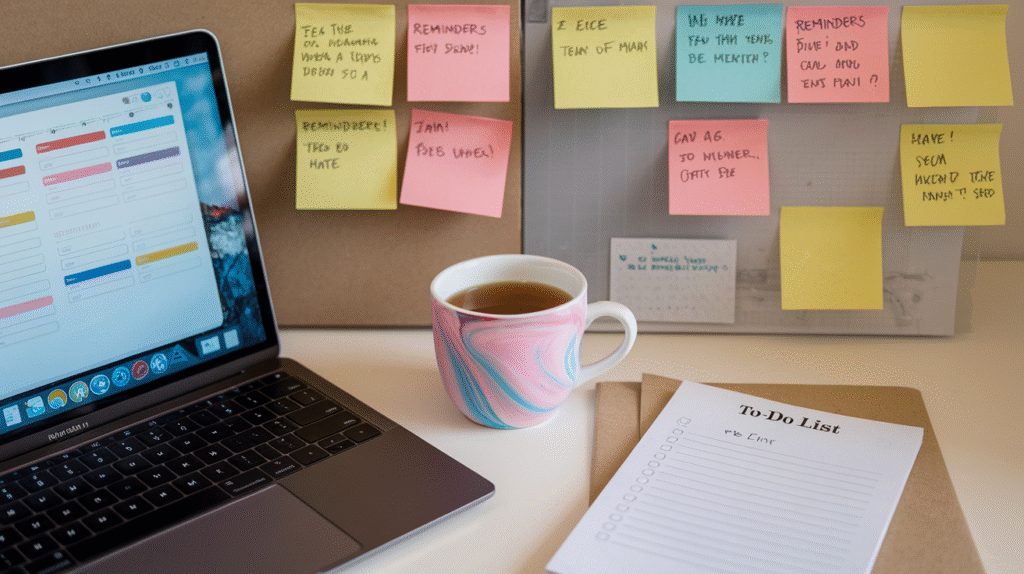
Being a solopreneur means running your own show, which means you’re juggling several things at once. But it doesn’t mean you have to be overwhelmed by it. This is where productivity tools swoop in to save the day. These digital tools will quickly become your go-to companions for staying organized, focused, and motivated.
To get you started, Trello is the way to go. They have a four-tier package pricing system that grows as your business grows.
| Tool Name | What It’s Used For | Ease of Use | Cost |
|---|---|---|---|
| Trello | Kanban-style task and project management | Very easy | Free / Paid plans from $5/user/mo |
| Notion | All-in-one workspace for tasks, notes, databases | Moderate | Free / Paid plans from $8/user/mo |
| Todoist | Task management with reminders and goals | Easy | Free / Premium from $4/mo |
A good productivity tool doesn’t just keep you organized, it frees up mental space. And let’s be honest, who doesn’t want fewer things cluttering up their brain?
You’re ready to go! Armed with my handpicked, beginner-friendly toolkit, you can confidently launch your solopreneur journey. Remember, the best tool is the one you’ll use. Pick a tool from each category that speaks to you.
 Quick Productivity Boost
Set up a Trello board or schedule your next meeting using Calendly. See how much lighter your day feels with just one small step.


Copyright © Boomer Hustle All Rights Reserved